
 Matthew David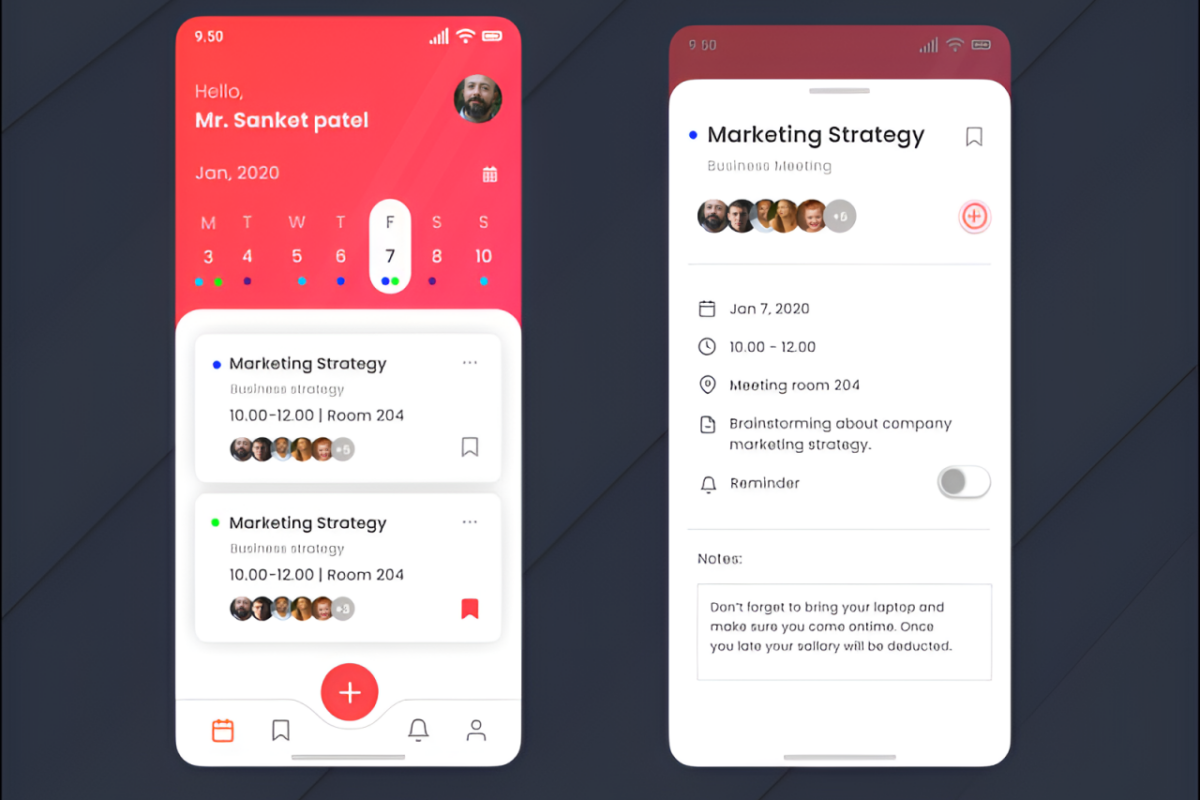
Calendar apps are revolutionizing how we manage our time, blending technology with everyday life to enhance both personal and professional organization. From their humble beginnings as paper planners, these digital tools have evolved to become essential in navigating our busy schedules.
With features designed for efficiency and connectivity, calendar apps have transformed the way we plan events, set reminders, and collaborate with others. This overview will explore their evolution, essential functionalities, and the myriad ways they have impacted our daily routines.
The evolution of calendar apps and their impact on daily life
The journey of calendar applications has transformed the way we organize our lives, moving from traditional paper planners to sophisticated digital formats. This evolution not only enhances individual productivity but also reshapes our societal interactions and expectations regarding time management. As we explore this development, we’ll uncover how calendar apps have integrated into personal and professional realms, altering the landscape of scheduling and planning.
The history of calendar applications can be traced back to ancient methods of timekeeping, where sundials and seasonal calendars were used to track time and events. With the advent of paper planners in the 20th century, individuals gained a tangible way to jot down appointments and tasks. However, as technology advanced, so did the capability of these planners. The introduction of personal computers in the 1980s saw the birth of digital calendars, allowing users to store and manage their schedules electronically. The 2000s marked a significant shift with the rise of smartphones and cloud-based applications, making calendars accessible anytime and anywhere. This transition has not only simplified personal organization but has also enhanced collaboration in professional settings, enabling teams to share schedules seamlessly and coordinate meetings with ease.
Transformations in Scheduling Practices
The impact of calendar apps on both personal and professional scheduling is profound. Digital calendars have streamlined the way we plan our days, offering features that paper planners simply cannot match.
To illustrate the significance of these transformations, consider the following points:
- Real-Time Updates: Calendar apps allow users to make instant changes, ensuring that everyone involved has the most current information.
- Shared Calendars: Collaborating on projects is easier than ever, as team members can access shared calendars to view availability and plan meetings.
- Reminders and Notifications: Users can set automated reminders for upcoming tasks or events, reducing the chances of forgetting important commitments.
- Integration with Other Apps: Calendar apps often sync with task management tools, email platforms, and even social media, creating a centralized hub for organizing life.
These features not only enhance individual productivity but also foster a culture of accountability and punctuality in professional settings.
Societal Changes from Digital Calendar Usage
The widespread adoption of digital calendars has led to notable societal changes. As more individuals rely on these tools for organization, shifts in societal norms surrounding time management and communication have emerged.
Key societal impacts include:
- Increased Flexibility: The ability to adjust schedules on-the-fly has led to a more dynamic approach to time management, accommodating the fast-paced nature of modern life.
- 24/7 Connectivity: With calendars accessible on multiple devices, the lines between work and personal life are often blurred, leading to both enhanced productivity and potential burnout.
- Global Collaboration: Digital calendars facilitate international cooperation by allowing users to manage time zones effectively, making global teamwork more feasible.
- Event Planning Evolution: From social gatherings to professional conferences, the planning process has become more efficient, often relying on digital invites and RSVPs linked to calendar apps.
“Calendar applications have not just changed how we schedule; they have transformed the very fabric of our daily existence.”
The evolution of calendar apps reflects broader changes in technology and society, showcasing how our relationship with time continues to evolve in the digital age.
Key features that make calendar apps indispensable for users
Calendar apps have transformed the way people organize their schedules, making them essential for managing time and tasks efficiently. With a variety of features that enhance productivity, these apps cater to both personal and professional needs, ensuring users never miss a beat in their busy lives.
One of the most significant advantages of calendar apps is their ability to streamline event planning and management. Users can create, edit, and delete events with just a few taps, ensuring their schedules are always up-to-date. Additionally, most calendar apps offer a variety of views, such as daily, weekly, or monthly layouts, allowing users to choose their preferred perspective for better time management.
Essential functionalities of popular calendar apps
The key functionalities of calendar apps can significantly improve user experience and overall efficiency. Here are some essential features that enhance their usability:
- Reminders: Timely reminders are crucial for ensuring that important events and tasks are not overlooked. Calendar apps allow users to set alerts for specific events, which can be customized based on their preferences. For example, users can receive notifications a day before a meeting, an hour prior to an appointment, or even at a specific time on the day of the event.
- Event Sharing: The ability to share events with family, friends, or colleagues makes calendar apps especially valuable for collaborative tasks. Users can easily invite others to meetings or social gatherings, ensuring that everyone stays informed and on the same page.
- Integration with Other Tools: Calendar apps often integrate seamlessly with other productivity tools, such as email clients and task managers. This interconnectedness allows users to create events directly from emails or manage tasks alongside their calendar entries, providing a unified experience that streamlines workflow.
- Cross-Platform Synchronization: Many calendar apps offer synchronization across various devices, ensuring users can access their schedules anytime and anywhere. Whether on a smartphone, tablet, or computer, users can stay connected and keep their calendars updated without any hassle.
- Customizable Views and Themes: A personalized calendar experience can enhance user satisfaction. Most calendar apps allow users to customize the appearance of their calendars with different themes or color-coding for events, making it easier to visually differentiate between personal and professional commitments.
User experience across different platforms and devices
User experience can vary significantly depending on the platform and device used to access calendar apps. Each platform offers unique benefits that cater to different user preferences:
- Mobile Applications: Mobile calendar apps are designed for on-the-go usability. They typically feature touch-friendly navigation and quick access to essential functionalities, making it easy for users to manage their schedules while commuting or traveling.
- Web-Based Interfaces: Web versions of calendar apps provide a more extensive set of features and functionalities. Users can benefit from larger screens for better visibility and the ability to manage multiple calendars or accounts from a single interface.
- Desktop Applications: Calendar apps on desktop platforms often come with advanced features such as task management, detailed analytics, and integration with other desktop software, offering a comprehensive tool for productivity enthusiasts.
- Cross-Device Compatibility: Regardless of the platform, top calendar apps prioritize cross-device compatibility, ensuring that users receive real-time updates and can access their schedules with ease, regardless of the device in use.
“Calendar apps are not just about organizing dates; they are about enhancing productivity and ensuring that users can effectively manage their time.”
Overall, the integration of these essential features and the optimization of user experience across different platforms make calendar apps indispensable tools for individuals looking to improve their time management and organizational skills.
A comprehensive comparison of leading calendar apps in the market
In today’s fast-paced world, calendar applications serve as essential tools for managing our time effectively. With various options available, it’s important to understand the features and functionalities that set each app apart. This comparison focuses on some of the leading calendar applications, providing insights into their usability, design, and overall functionality.
When selecting a calendar app, users often consider factors such as ease of use, visual appeal, and the richness of features. Below is an overview of some of the most popular calendar applications available today, highlighting their strengths and weaknesses.
Overview of Major Calendar Applications
Several calendar applications have gained prominence due to their unique features and user-friendly designs. The following apps are widely recognized:
- Google Calendar
- Microsoft Outlook Calendar
- Apple Calendar
- Fantastical
- Todoist
Pros and Cons of Each App
Here’s a detailed breakdown of the advantages and disadvantages of each calendar app in terms of usability, design, and functionality:
Understanding the pros and cons of each app can significantly enhance your scheduling experience.
Google Calendar
- Pros:
- Free to use with a Google account
- Excellent integration with other Google services
- Collaborative features for shared calendars
- Cons:
- Limited customization options for design
- Potential privacy concerns due to data collection
Microsoft Outlook Calendar
- Pros:
- Great integration with Office 365
- Rich feature set for business users
- Robust email and calendar management in one application
- Cons:
- Can be overwhelming for basic users
- Requires a subscription for premium features
Apple Calendar
- Pros:
- Seamless integration with macOS and iOS
- Clean and intuitive interface
- Supports Siri for quick event creation
- Cons:
- Limited features compared to other apps
- Best suited for Apple users only
Fantastical
- Pros:
- Natural language processing for event creation
- Beautiful and customizable design
- Powerful task management features
- Cons:
- Requires a subscription for full access
- Primarily focused on Apple devices
Todoist
- Pros:
- Combines task management with calendar capabilities
- Foster productivity through project organization
- Available on multiple platforms
- Cons:
- Calendar features can feel secondary to task management
- Free version has limited features
Comparison Table of Key Attributes
To provide a clearer picture, here’s a comparison table highlighting key attributes of the selected calendar apps:
| Calendar App | Usability | Design | Functionality |
|---|---|---|---|
| Google Calendar | Easy to use, collaborative features | Simple, minimalistic | Strong integration with Google services |
| Microsoft Outlook Calendar | Feature-rich but complex | Professional look | Integrates with Office 365 |
| Apple Calendar | User-friendly for Apple ecosystem | Clean and elegant | Limited features compared to others |
| Fantastical | Intuitive, natural language | Visually appealing | Advanced task management |
| Todoist | Task-oriented, intuitive | Functional layout | Good for project tracking |
The role of calendar apps in improving time management skills
Calendar apps have revolutionized the way individuals and teams manage their time, offering a centralized platform for scheduling, organizing, and tracking commitments. In an age where multitasking is the norm, these tools help streamline tasks and reduce the stress associated with missed appointments or deadlines. By harnessing the features of calendar apps, users can enhance their productivity and create a more structured daily routine.
One of the key contributions of calendar apps to time management is their ability to visually represent commitments and tasks. This visual overview allows users to see their schedules at a glance, making it easier to identify free time slots and prioritize activities effectively. Additionally, shared calendar functionalities enable teams to coordinate efforts, ensuring everyone stays aligned on project timelines and deadlines.
Utilizing calendar apps for prioritizing tasks
To maximize the effectiveness of calendar apps in task prioritization, users can implement various strategies that enhance their focus and productivity. These methods include:
– Color-coding tasks: Assign different colors to various categories of tasks or projects. This visual distinction makes it easy to quickly identify priorities at a glance.
– Setting reminders: Utilize the reminder features to alert you ahead of time for upcoming tasks or meetings. This helps to keep you on track and reduces the chance of forgetting key responsibilities.
– Blocking time for focused work: Reserve specific time blocks in your calendar for concentration on high-priority tasks. This method, often referred to as time blocking, encourages deep work without distractions.
Implementing these strategies can transform how tasks are approached, allowing users to focus on what matters most and avoid the pitfalls of procrastination.
Setting goals and deadlines using calendar features
Calendar apps offer robust features for goal setting and deadline management, which can significantly improve overall time management. Here are some effective strategies to harness these features:
– SMART goals: Use the calendar to set specific, measurable, achievable, relevant, and time-bound (SMART) goals. For instance, rather than simply stating, “I want to read more,” specify “I will read one book per month and block out two evenings per week for reading.”
– Creating milestones: Break larger goals into manageable milestones and assign deadlines to each. This approach not only makes daunting objectives feel more achievable but also provides a sense of accomplishment as each milestone is reached.
– Regular reviews: Schedule periodic reviews of your goals and deadlines in your calendar. This practice ensures you are staying on track and allows for adjustments if necessary, fostering continuous improvement in your time management skills.
By effectively utilizing calendar features for goal-setting and deadline tracking, individuals and teams can maintain clarity on their objectives, increase accountability, and ultimately enhance their productivity.
Integration capabilities of calendar apps with other digital tools
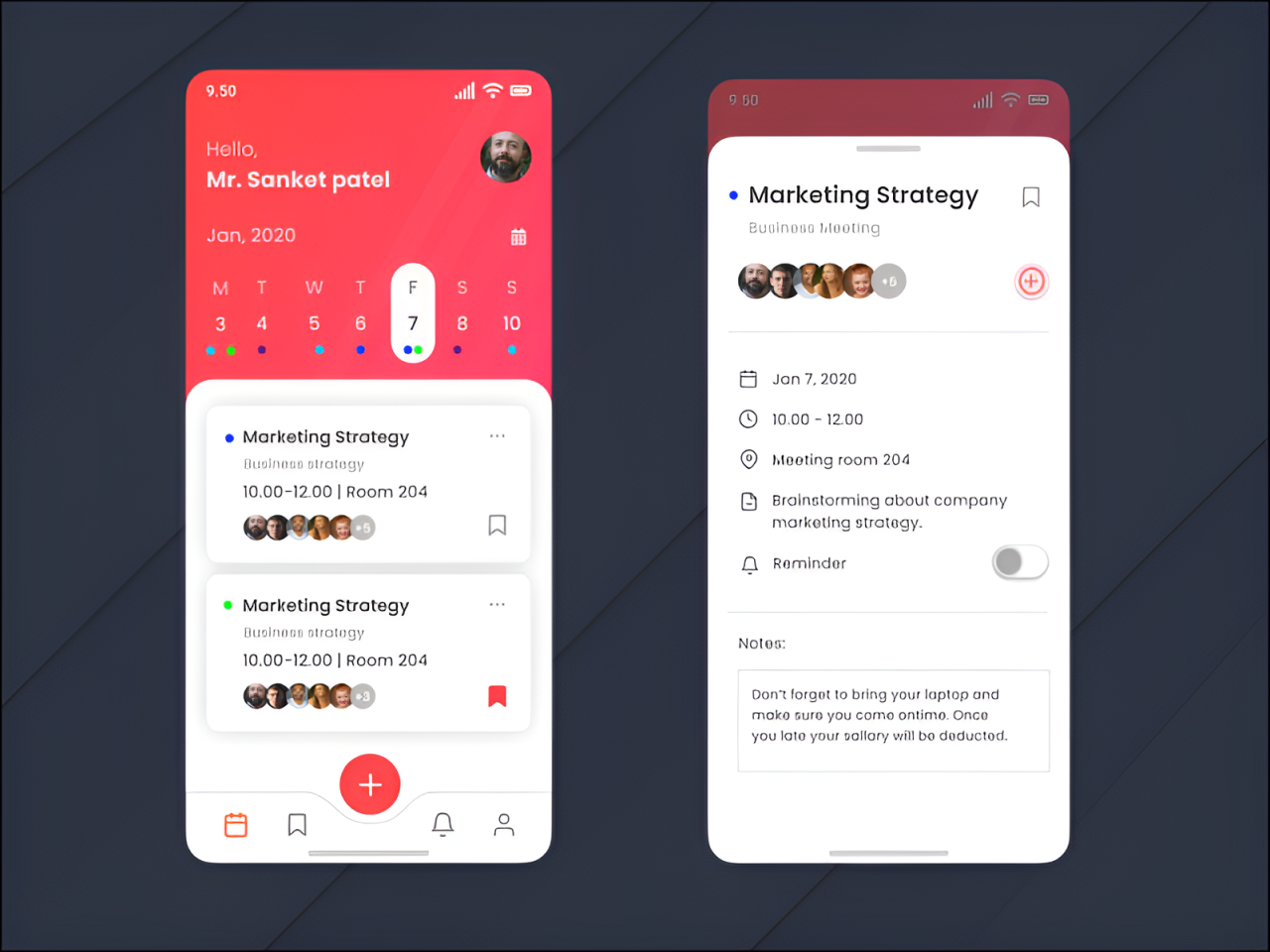
Calendar apps have become essential for managing our time effectively, but their true potential is unlocked when they integrate with other digital tools. Synchronizing these applications allows users to streamline their workflows, enhance productivity, and ensure that nothing falls through the cracks. By linking calendar apps with various software, individuals and teams can create a cohesive digital ecosystem that simplifies scheduling, communication, and task management.
Integrating calendar apps with other software is crucial for creating a unified experience that accurately reflects one’s commitments and priorities. This synchronization not only saves time but also reduces the risk of double bookings and missed deadlines. Moreover, it allows users to centralize their information, making it easier to manage different aspects of their professional and personal lives from a single platform.
Benefits of integration with task management tools, email platforms, and productivity apps
The integration of calendar apps with task management tools, email platforms, and productivity apps brings a multitude of benefits that enhance user experience and efficiency. The following points highlight the key advantages of such integrations:
- Enhanced Organization: Linking calendar apps with task management tools like Trello or Asana ensures that deadlines are visible alongside scheduled events. This integration helps users prioritize their tasks based on time constraints.
- Streamlined Communication: Integration with email platforms such as Gmail or Outlook allows users to create calendar events directly from their email. This process eliminates the need to switch between applications, reducing friction in communication.
- Improved Productivity: Productivity apps like Slack or Microsoft Teams can notify users of upcoming events or deadlines, ensuring that they remain focused and on track throughout the day.
- Automated Reminders: Many calendar apps offer integration with automation tools, enabling users to set reminders and notifications without manual input. This functionality ensures that important dates and tasks are not overlooked.
- Comprehensive Insights: By integrating with analytics tools, users can gain insights into how they spend their time, which can inform better scheduling and time management practices.
“The best productivity tool is the one that seamlessly integrates with your daily habits and tools.”
Identifying popular integrations can further enhance user experience. For example, Google Calendar’s integration with Zoom makes setting up virtual meetings straightforward, allowing users to automatically generate video links directly from their calendar events. Similarly, Apple’s Calendar app, when linked with Siri, enables voice commands for scheduling, making it a hands-free solution for busy individuals.
Overall, the integration capabilities of calendar apps with other digital tools are a game changer for users looking to enhance their organization, productivity, and overall effectiveness in managing their time.
The future of calendar apps and trends shaping their development
As we step into a new era of digital scheduling, the landscape of calendar applications is transforming rapidly. Emerging technologies and shifting user expectations are driving innovations that promise to enhance the way we manage our time. The integration of artificial intelligence and machine learning is set to redefine functionalities, enabling these tools to offer smarter, more tailored experiences for users.
Emerging Technologies Influencing Calendar Apps
Several key technologies are shaping the future of calendar applications. These innovations not only improve current functionalities but also pave the way for new features that were once considered science fiction. The following technologies are noteworthy:
- Artificial Intelligence: AI algorithms can analyze user behavior to suggest optimal meeting times, remind users of important deadlines, and even propose tasks based on calendar events.
- Integration with IoT: As smart homes become more prevalent, calendar apps can synchronize with IoT devices, allowing users to manage their schedules through voice commands or smart displays.
- Augmented Reality: Future calendar apps may incorporate AR to create interactive scheduling experiences, displaying events and reminders in a 3D space.
- Blockchain Technology: Implementing blockchain can enhance security and transparency in scheduling, particularly for business meetings or collaborative projects.
AI and Machine Learning Enhancements
AI and machine learning are at the forefront of enhancing calendar functionalities. These technologies can personalize user experiences by predicting needs and automating routine tasks. Notable enhancements include:
- Smart Scheduling: Algorithms can independently find and suggest times for meetings based on participants’ availability, preferences, and locations.
- Intelligent Reminders: Instead of generic alerts, AI-driven reminders can adapt based on user habits, providing context-sensitive notifications.
- Natural Language Processing: Users can input tasks or appointments in natural language, allowing for seamless and intuitive interaction with the calendar.
“AI technologies in calendar apps can transform how users interact with their schedules, making the management of time more efficient and less stressful.”
User Expectations for Future Development
As technology evolves, user expectations also shift. The modern user seeks a seamless, integrated experience that enhances productivity while minimizing effort. Key expectations include:
- Cross-Platform Functionality: Users expect their calendars to sync effortlessly across devices, enabling access from smartphones, tablets, and desktops without disruption.
- Customization Options: There is a demand for more personalized features, allowing users to tailor the interface and functionalities to suit their unique needs.
- Enhanced Collaboration Tools: As remote work continues to rise, users look for features that facilitate easy sharing, commenting, and collaborative scheduling with colleagues and peers.
In conclusion, the future of calendar applications is bright, driven by technological advancements and evolving user expectations. As tools become more intelligent and integrated, the way we manage our time will continue to become more efficient and user-friendly.
How to customize calendar apps for personalized productivity
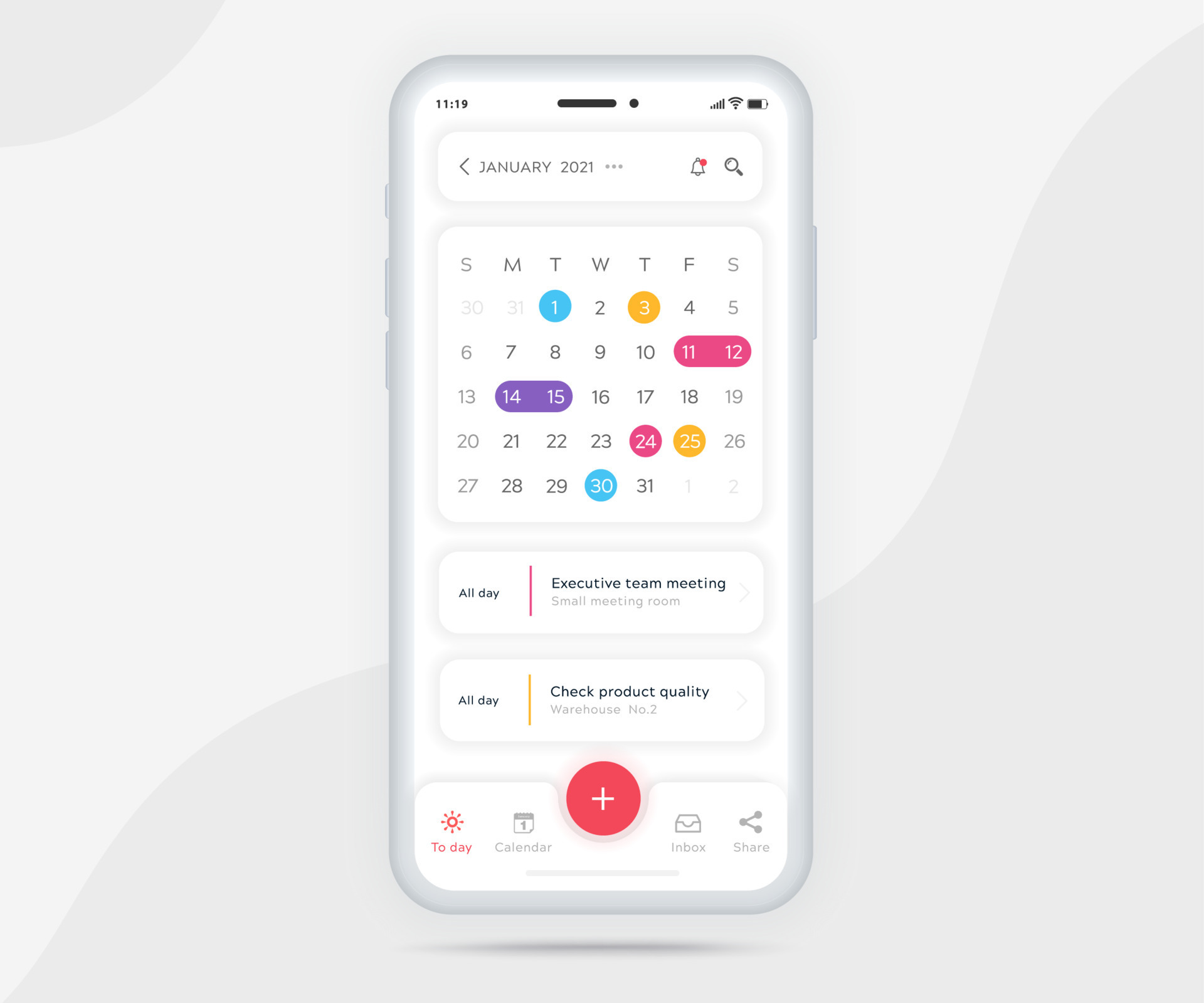
Customizing your calendar app can significantly enhance your productivity by tailoring it to suit your specific needs and preferences. A personalized calendar not only helps in managing your time effectively but also ensures you stay organized and focused. By adjusting settings, utilizing available features, and creating unique views, you can transform a standard calendar app into a powerful productivity tool.
One of the key benefits of customizing your calendar app is the ability to streamline your workflow. Different apps offer various features that allow users to modify settings according to their preferences. These features include color coding, custom notifications, and unique layouts that can help you visualize your schedule in a way that resonates with you.
Steps for Tailoring Calendar App Settings
To make the most of your calendar app, follow these steps to customize it:
1. Choose Your Calendar View: Most calendar apps allow you to select views such as daily, weekly, or monthly. Choose the one that aligns with your planning style—whether you prefer seeing everything at a glance or focusing on daily tasks.
2. Set Your Time Zone: Ensure your calendar is set to the correct time zone, especially if you travel frequently or work with remote teams across different regions.
3. Color Code Events: Use different colors for various types of activities (e.g., work, personal, and reminders). This visual distinction can help you quickly identify your commitments at a glance.
4. Adjust Notification Settings: Configure alerts for upcoming events based on your preferences. Decide how far in advance you want to be reminded and choose the type of notifications you prefer, whether pop-up alerts or emails.
5. Integrate Other Tools: Many calendar apps let you integrate with tools like task managers or project management apps. Syncing these tools can provide a comprehensive view of your commitments and deadlines.
6. Create Recurring Events: For regular meetings or appointments, utilize the recurring event feature to avoid manual entry each time.
7. Use Tags or Labels: Tagging events can increase organization. Use labels to categorize tasks or events, making it easier to filter and locate specific items later.
Features for Customization
Calendar apps come equipped with various features that promote customization. Here are some of the most utilized ones:
– Color Coding: Assign colors to different types of events or priorities. For instance, red could signify urgent tasks, while blue may represent personal activities. This method allows for quick visual recognition of your schedule.
– Custom Notifications: Set reminders that suit your work pace. For example, if you prefer minimal interruptions, you might opt for a subtle email notification instead of loud pop-ups.
– Event Details Customization: Add notes, attachments, or links related to specific events. This feature can be particularly useful for meetings or appointments requiring additional context.
– Sharing Options: Many apps allow you to share your calendar with others. This feature is beneficial for team collaboration, letting you coordinate schedules effortlessly.
– Widgets and Quick Access: Use widgets to display upcoming events directly on your device’s home screen for quick access, making it easier to stay on top of your schedule.
Creating Unique Views and Layouts
Personalizing your calendar app doesn’t stop at colors and notifications. You can further enhance your experience by creating unique views and layouts. Here are some tips:
– Custom Layouts: Some calendar apps allow you to rearrange elements. Explore this option to place the most important features front and center.
– Utilize Filters: If your app supports filtering features, use them to create views that focus on specific categories or participants, streamlining your focus.
– Incorporate Third-Party Add-ons: Look for add-ons or integrations that provide additional functionality. For instance, some tools can help visualize your tasks in a Kanban board style alongside your calendar.
– Personalize Default Settings: Adjust the default event duration, start times, or working hours based on your routine to minimize repetitive adjustments when creating new events.
By following these guidelines and leveraging the customization features available in your calendar app, you can create a highly personalized productivity tool that caters to your individual workflow and enhances your time management skills.
Security and privacy considerations when using calendar apps
In today’s digital age, calendar apps have become essential tools for managing our time, whether for personal tasks or professional commitments. However, with the convenience of digital scheduling comes the responsibility of safeguarding sensitive information. Understanding the security and privacy implications of using these apps is crucial for users who want to protect their data from unauthorized access and breaches.
Digital calendars often store a wealth of personal and professional information, including appointments, contacts, and notes. This data can be attractive to cybercriminals. The risks associated with storing such information in digital calendars can include unauthorized access, data breaches, and identity theft. Users should be aware that if a calendar app does not have robust security measures, their private details may be exposed.
Risks of storing information in digital calendars
The potential vulnerabilities of digital calendars necessitate an understanding of the associated risks. It’s important to consider the following points:
- Data breaches: If a calendar app is compromised, all stored data can be exposed, leading to severe consequences for users.
- Phishing attacks: Cybercriminals may use calendar invites to trick users into revealing personal information or downloading malware.
- Account hacking: Weak passwords and poor security practices can allow hackers to gain access to users’ accounts, exposing sensitive data.
- Third-party access: Many calendar apps integrate with other services, potentially sharing data without users’ explicit consent.
Best practices for security of calendar data
To mitigate the risks associated with digital calendars, users should implement the following best practices:
- Use strong, unique passwords: Creating complex passwords and using a password manager can enhance account security.
- Enable two-factor authentication (2FA): 2FA adds an extra layer of protection, requiring a second form of verification to access the account.
- Regularly review app permissions: Users should periodically check which services have access to their calendar data and revoke permissions that are no longer needed.
- Update software regularly: Keeping the calendar app and device operating systems up to date can protect against known vulnerabilities.
Approaches of various apps to user privacy and data protection
Different calendar applications have unique approaches to ensuring user privacy and data protection. Users should consider these factors when selecting a calendar app:
- Data encryption: Apps that offer end-to-end encryption protect user data from unauthorized access during transmission and storage.
- Privacy policies: Users should review privacy policies to understand how their data is collected, used, and shared.
- Local storage options: Some calendar apps allow users to store data locally on their devices, minimizing the need for cloud storage and potential exposure.
- Transparency in data handling: Apps that are clear about their data practices and provide users with control over their information foster trust and security.
In the realm of digital calendars, security and privacy are paramount. Users must remain vigilant and proactive in protecting their data.
Outcome Summary
In summary, calendar apps not only streamline our scheduling needs but also offer insights into improving time management and productivity. As we look to the future, the integration of advanced technologies and user-friendly features will continue to shape how we interact with our calendars, making them even more indispensable in our fast-paced lives.
Top FAQs
What are the best calendar apps available?
Some of the best calendar apps include Google Calendar, Apple Calendar, Microsoft Outlook, and Todoist, each offering unique features suited to different user needs.
Can I sync calendar apps with other devices?
Yes, most calendar apps allow synchronization across multiple devices, ensuring you can access your schedule from your phone, tablet, or computer seamlessly.
Are calendar apps safe for my personal data?
While calendar apps generally have security measures, it’s essential to choose reputable applications and follow best practices for privacy protection, such as enabling two-factor authentication.
Can I share my calendar with others?
Yes, most calendar apps offer sharing features, allowing you to collaborate with friends, family, or colleagues by granting them access to view or edit your events.
How can I customize my calendar app?
Customization options vary by app but often include color-coding events, setting personalized notifications, and organizing your calendar layout to suit your preferences.